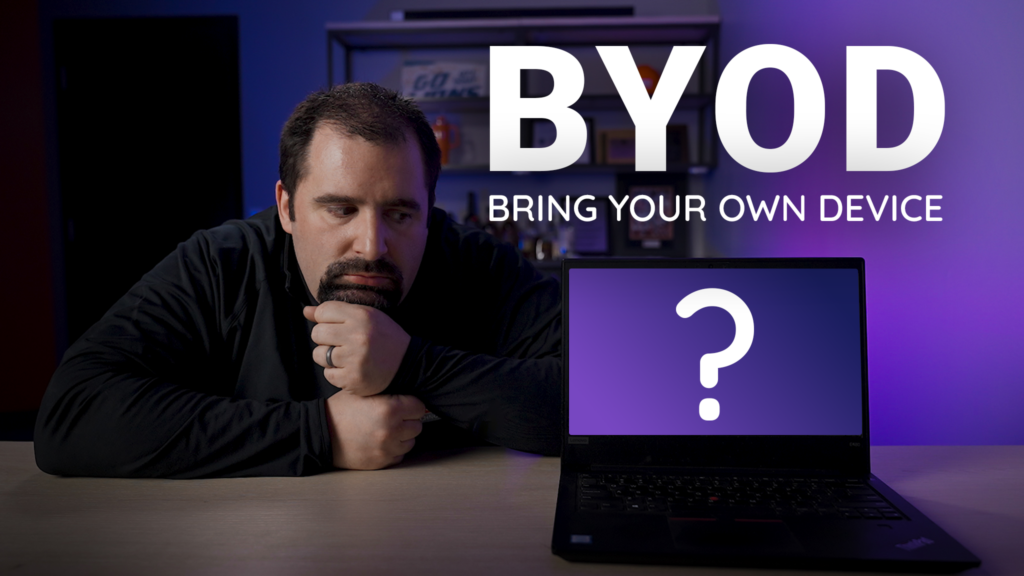
The Big Risk in Using Employee Owned Devices
We get it, sometimes its easy to just let people use what they want to use when it comes to work. Truth be told all of us want our business to operate securely, efficiently, and confidently, without unnecessary risk. One of the most important decisions you can make for your cybersecurity posture is this: Employees should use only company‑issued devices for work — and personal computers should never be used to access email, Microsoft 365, VPNs, internal systems, or handle company data. So the question is, what is the big risk in using employee owned devices?
While it might seem convenient for staff to use their own PCs, whether Windows laptops, Macs, or custom builds, the security gaps created by BYOD (Bring Your Own Device) are real, often hidden, and extremely costly when exploited.
What Really Happens When Personal PCs Are Used for Work
Personal devices aren’t designed with enterprise‑level security in mind. On your home computer, you control updates, antivirus, settings, and installed software — which means that one missed patch, one risky app, or one insecure connection can be enough to open the door to attackers.
Risk | What Happens on a Personal PC | Why Company Devices Are Different |
No Security Oversight | You control updates, antivirus, and settings. A missed patch = open door. | GRIT Technologies enforces updates, encryption, and endpoint protection automatically. |
Data Leakage | Work files end up mixed with personal photos, downloads, or cloud syncs. | Company devices isolate work data in secure containers. No mixing. |
Compliance Violations | Auditors can’t verify security on your home PC. | Every company device is logged, monitored, and audit-ready (HIPAA, PCI, SOC 2, etc.). |
Harder to Fix When Hacked | If malware hits, we can’t wipe or isolate it remotely. | We can lock, wipe, or replace a company device in minutes. |
Specific Risks Personal Devices Introduce
- Lack of Consistent Security Standards.
- Higher Chance of Data Leakage.
- Compliance Risk and Legal Exposure
- Unmanaged Malware and Vulnerabilities
- Difficulty Detecting and Responding to Incidents
So What Should Your Employees Never Do on Personal Devices?
To stay secure and compliant, employees should not:
Log into work email, Teams, or ERP systems from a personal PC
Install corporate apps like Outlook, OneDrive, or business software on a personal machine
Save work files to their desktop or personal cloud accounts
Use personal Dropbox, Google Drive, iCloud, or other consumer services for work documents
Even a quick access “just for a minute” creates opportunities for data leakage and neglected patches to be exploited.
Your Most Secure Path Forward
Only company‑issued devices should be permitted for all work involving your data, systems, or applications. This isn’t optional — it’s the foundation of reliable security, regulatory compliance, and rapid incident response.
By keeping work strictly on managed devices, GRIT Technologies ensures:
✔ Your business data stays protected
✔ Audits go smoothly and confidently
✔ Your team stays productive without unnecessary risk
It’s about eliminating weak links in your security chain, not about restricting convenience. The threats today are too serious and the consequences too steep to ignore.